719
Menu Guide >
N
The Retouch Menu
Create a cropped copy of the selected photograph. The
photograph is displayed with the selected crop shown in
yellow; create a cropped copy as described below.
D
Cropped Images
•
Depending on the size of the cropped copy, playback zoom may not be
available when cropped copies are displayed.
•
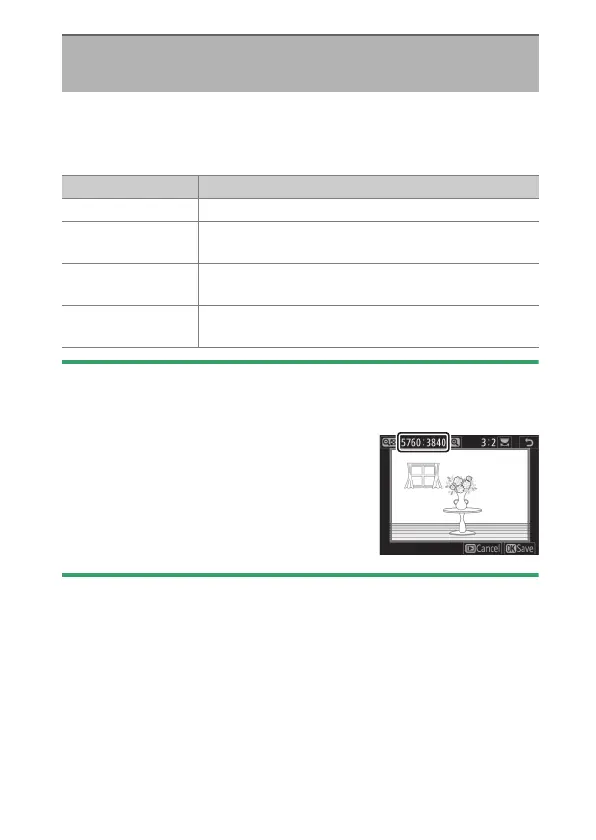
The crop size appears at upper left in the crop
display. The size of the copy varies with crop
size and aspect ratio.
Trim
G
button
U
N
retouch menu
To Description
Size the crop Press
X
(
T
) or
W
(
Y
) to choose the crop size.
To change the
crop aspect ratio
Rotate the main command dial.
To position the
crop
Use the multi selector.
To create a
cropped copy
Press
J
to save the current crop as a separate file.



 To Next Page