681
Menu Guide >
B
The Setup Menu
Add a comment to new photographs as they are taken.
Comments can be viewed as metadata in ViewNX-i or
Capture NX-D.
Input Comment
Input a comment of up to 36 characters. Highlight [Input
comment] and press
2
to display a text-entry dialog. For
information on text entry, see “Text Entry” (
0
61).
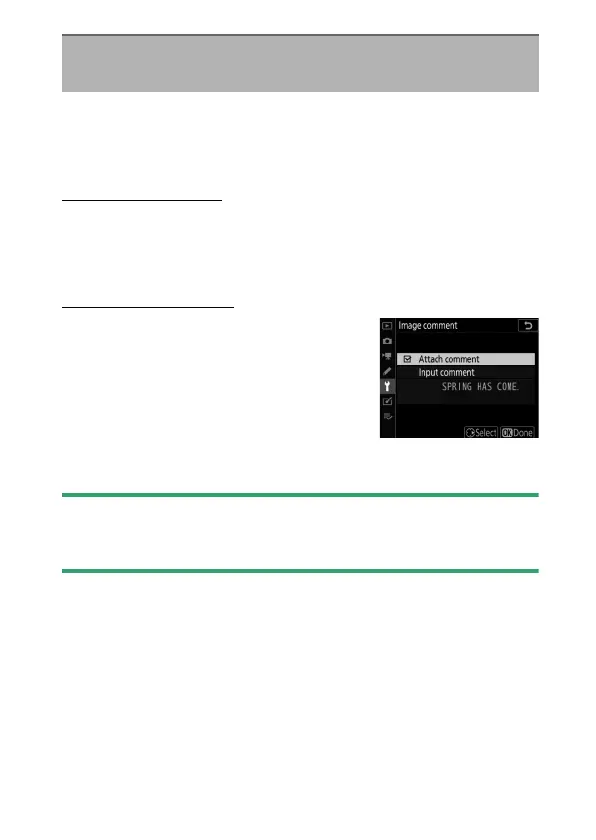
Attach Comment
To attach the comment to subsequent
photographs, highlight [Attach
comment], press
2
, and confirm that a
check (
M
) appears in the adjacent check
box. Press
J
to save changes and exit;
the comment will be attached to all
subsequent photographs.
D
Photo Info
Comments can be viewed on the shooting data page in the photo
information display.
Image Comment
G
button
U
B
setup menu



 To Next Page