82
Camera Controls
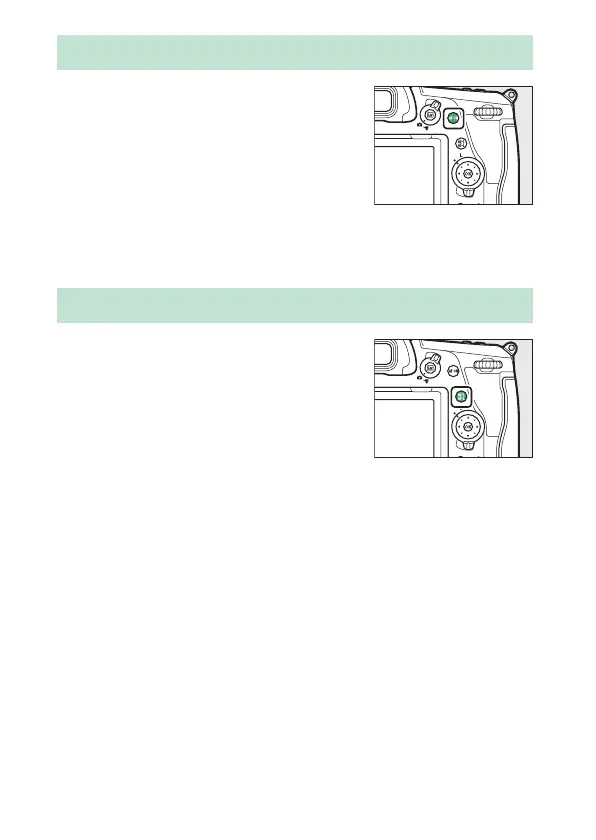
The AF-ON button can be used for focus
in autofocus mode.
•
You can choose the role assigned to
the AF-ON button. Use Custom
Settings f3 [Custom controls] and g2
[Custom controls] in the Custom
Settings menu to choose the roles played by the button
during photography and movie recording, respectively.
Press the
A
(AE-L/AF-L) button to lock
focus and exposure for photographs
taken using autofocus.
•
You can choose the role assigned to
the
A
button. Use Custom Settings f3
[Custom controls] and g2 [Custom
controls] in the Custom Settings menu to choose the roles
played by the button during photography and movie
recording, respectively.
The AF-ON Button
The
A
Button



 To Next Page