78
Camera Controls
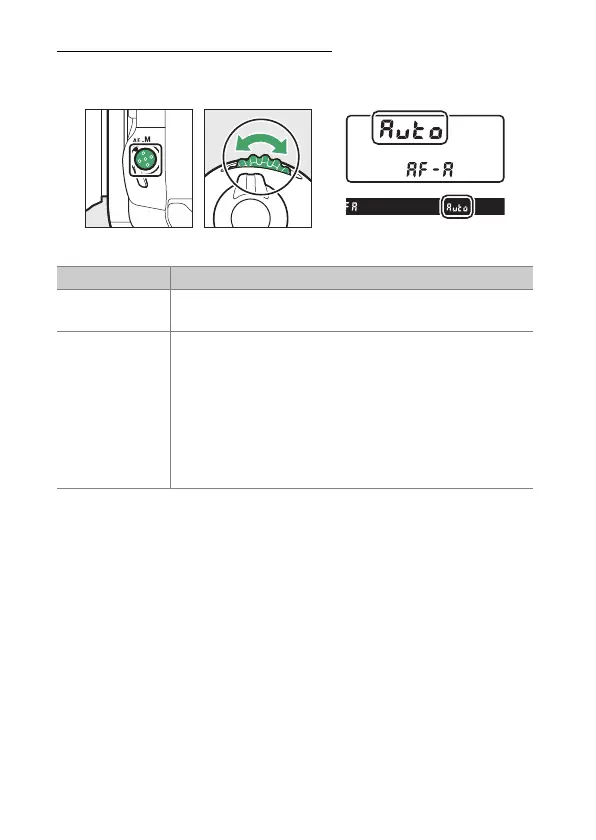
Choosing an AF-Area Mode
Hold the AF-mode button and rotate the sub-command dial.
The options available vary with the AF mode.
❚❚
Viewfinder Photography
Option Description
[Single-point
AF]
The camera focuses on a point selected by the user.
•
Use with stationary subjects.
[Dynamic-area
AF (9 points)]/
[Dynamic-area
AF (21 points)]/
[Dynamic-area
AF (51 points)]
The camera focuses on a point selected by the user; if
the subject briefly leaves the selected point, the
camera will focus based on information from
surrounding focus points. This option is available when
AF-A or AF-C is selected for AF mode.
•
Choose for subjects that move unpredictably. The
greater the number of focus points, the wider the
area used for focus.



 To Next Page