385
Playback
The Playback Menu
The [Delete] item in the playback menu contains the following
options. Note that depending on the number of images, some
time may be required for deletion.
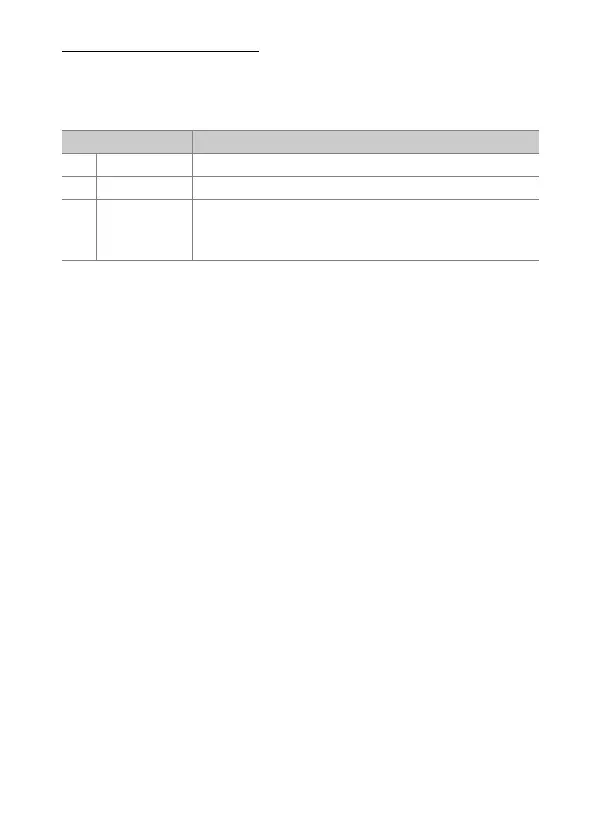
Option Description
Q
[Selected] Delete selected pictures.
i
[Select date] Delete all pictures taken on a selected date (
0
387).
R
[All]
Delete all pictures in the folder currently selected for
playback. If two cards are inserted, you can select
the card from which pictures will be deleted.



 To Next Page