665
Menu Guide >
B
The Setup Menu
Creating and Saving Fine-Tuning Values
1
Attach the lens to the camera.
2
Select [AF fine-tuning options] in the setup menu,
then highlight [Fine-tune and save lens] and press
2
.
3
Highlight [For viewfinder photography] or [For
live view photography] and press
2
.
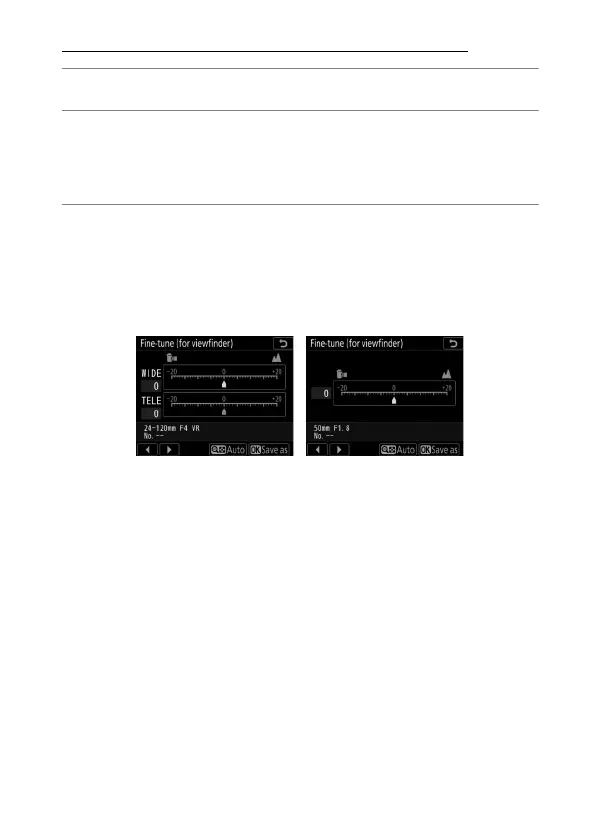
An AF fine-tuning dialog will be displayed. The options
displayed vary with whether the attached lens is a zoom lens
or has a fixed focal-length.
Zoom lens Fixed focal-length lens



 To Next Page