548
Menu Guide >
C
The Photo Shooting Menu
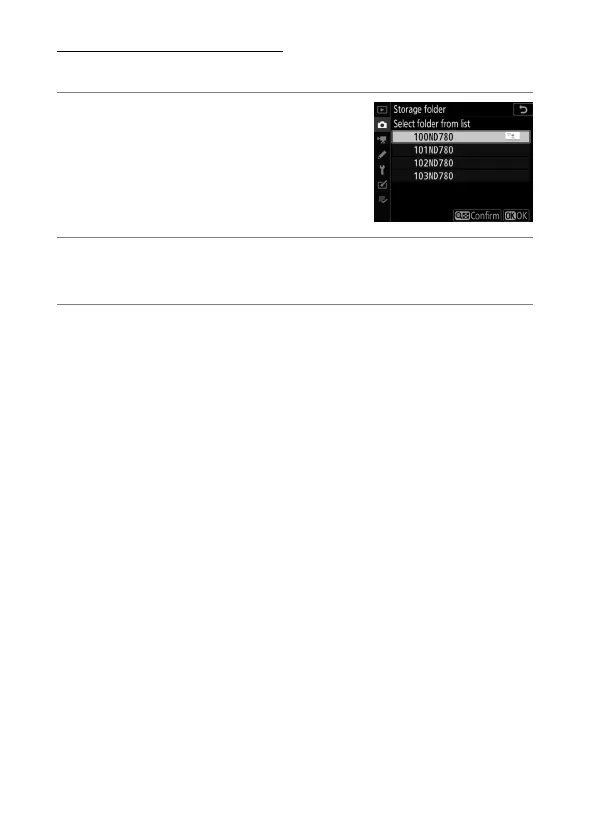
Select Folder from List
To choose from a list of existing folders:
1
Choose [Select folder from list].
Highlight [Select folder from list]
and press
2
to display the [Select
folder from list] dialog.
2
Highlight a folder.
Press
1
or
3
to highlight a folder.
3
Select the highlighted folder.
•
Press
J
to select the highlighted folder and return to the
main menu.
•
Subsequent photographs will be stored in the selected
folder.



 To Next Page