691
Menu Guide >
B
The Setup Menu
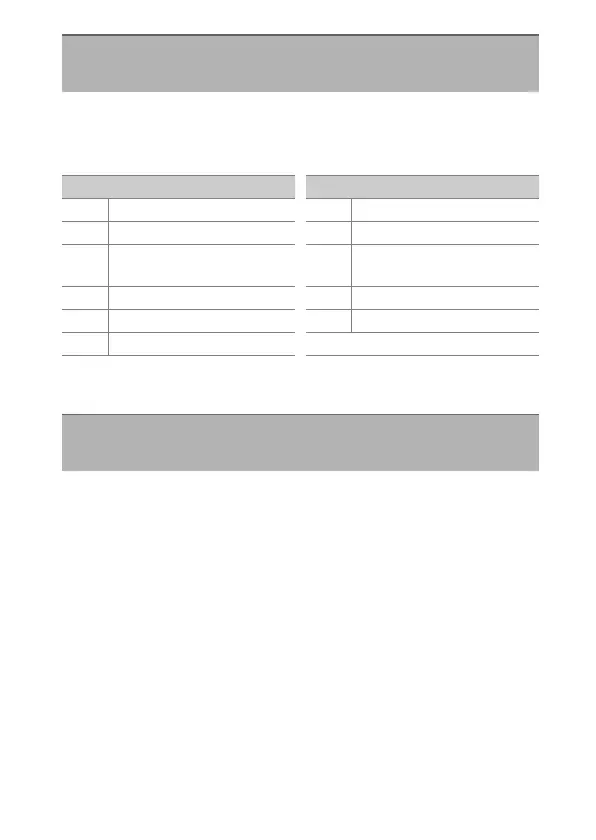
Choose the role played by the Fn button on optional wireless
remote controllers equipped with an Fn button. See Custom
Setting f3 [Custom controls] for more information.
* Performs the same function as the camera
a
button.
Select [Enable] to disable the camera’s built-in Bluetooth and
Wi-Fi functions.
•
The wireless functions of optional peripheral devices
connected to the camera can only be disabled by
disconnecting the devices.
Assign Remote (WR) Fn Button
G
button
U
B
setup menu
Option
A
[AF-ON]
F
[AF lock only]
D
[AE lock (Reset on
release)]
C
[AE lock only]
B
[AE/AF lock]
r
[FV lock]
h
[
c
Disable/enable]
q
[Preview]
%
[Preview (Lv max.
aperture)]
4
[+ NEF (RAW)]
a
[Live view]
*
[None]
Option
Airplane Mode
G
button
U
B
setup menu



 To Next Page