576
Menu Guide >
1
The Movie Shooting Menu
D
Auto ISO Sensitivity Control
•
At high ISO sensitivities, “noise” (randomly-spaced bright pixels, fog, or
lines) may increase.
•
At high ISO sensitivities, the camera may have difficulty focusing.
•
The foregoing can be prevented by choosing a lower value for [ISO
sensitivity settings]> [Maximum sensitivity].
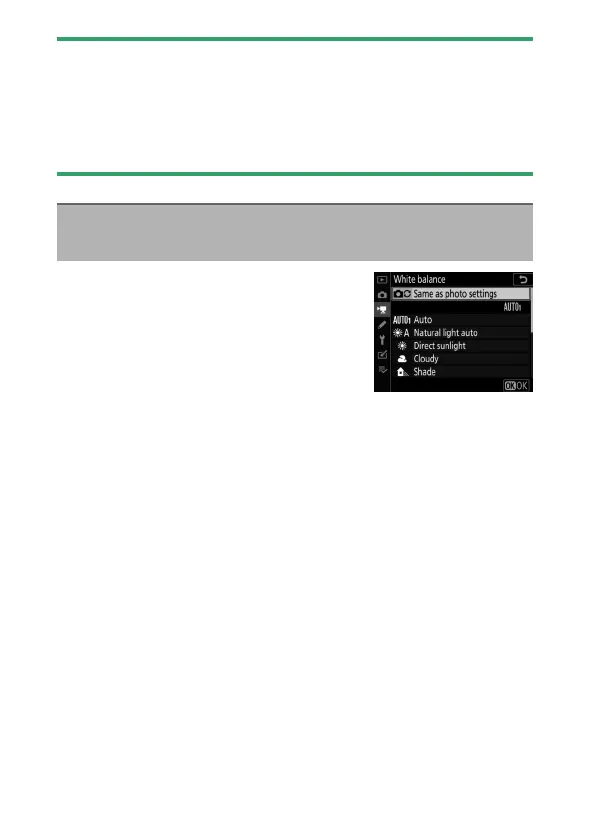
Choose the white balance for movies.
Select [Same as photo settings] to use
the option currently selected for photos
(
0
553).
White Balance
G
button
U
1
movie shooting menu



 To Next Page