733
Menu Guide >
N
The Retouch Menu
Copy photographs in monochrome. [Monochrome] gives you a
choice of the following monochrome tints:
•
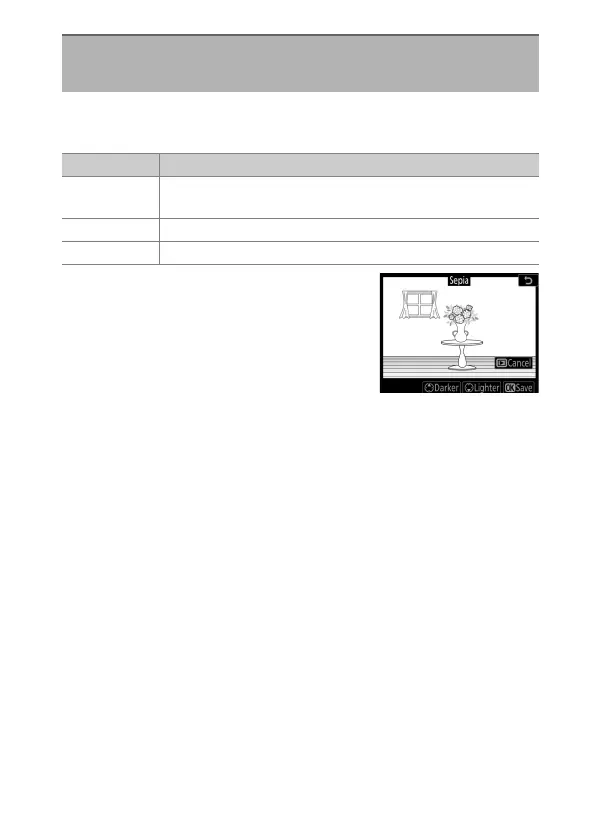
The effect can be previewed in the edit
display.
•
In the case of [Sepia] or [Cyanotype],
color saturation can be adjusted using
the multi selector. Press
1
to increase,
3
to decrease. The changes are
reflected in the preview.
•
Press
J
to save the retouched copy.
Monochrome
G
button
U
N
retouch menu
Option Description
[Black-and-
white]
Copy photographs in black-and-white.
[Sepia] Copy photographs in sepia.
[Cyanotype] Copy photographs in blue-and-white monochrome.



 To Next Page