318
Other Shooting Options
Recording Time-Lapse Movies
D
Before Shooting
•
Choose a mode other than EFCT.
•
Before shooting a time-lapse movie, take a test shot at current settings
and view the results.
•
Time-lapse movies are shot using the movie crop.
•
Select [Time zone and date] in the setup menu and make sure that the
camera clock is set to the correct time and date.
•
We recommend using a tripod and disabling lens vibration reduction
(VR). Mount the camera on a tripod before shooting begins.
•
To ensure that shooting is not interrupted, use an optional AC adapter
and power connector or a fully-charged battery.
•
When taking photos with your eye from the viewfinder and [Off]
selected for [Silent photography], remove the rubber eyecup and
cover the viewfinder with the supplied eyepiece cap to prevent light
entering via the viewfinder interfering with photographs and exposure
(
0
10).
1
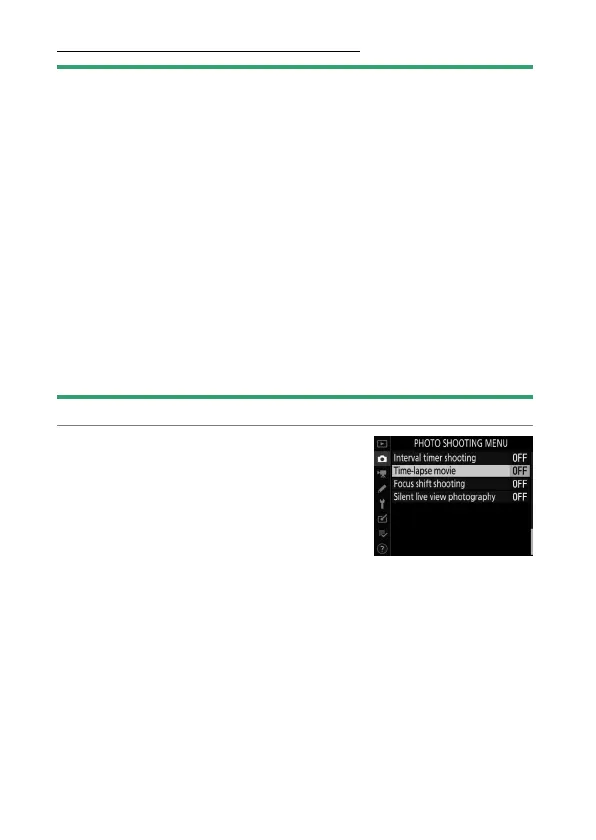
Highlight [Time-lapse movie]
in the photo shooting menu
and press
2
.



 To Next Page