605
Menu Guide >
A
Custom Settings
Choose whether exposure locks when the shutter-release
button is pressed.
The camera continues to meter exposure for a set time after the
shutter-release button is pressed halfway. Choose how long the
camera continues to meter exposure when no operations are
performed.
•
The shutter-speed and aperture displays in the control panel
and viewfinder turn off automatically when the standby timer
expires.
c: Timers/AE Lock
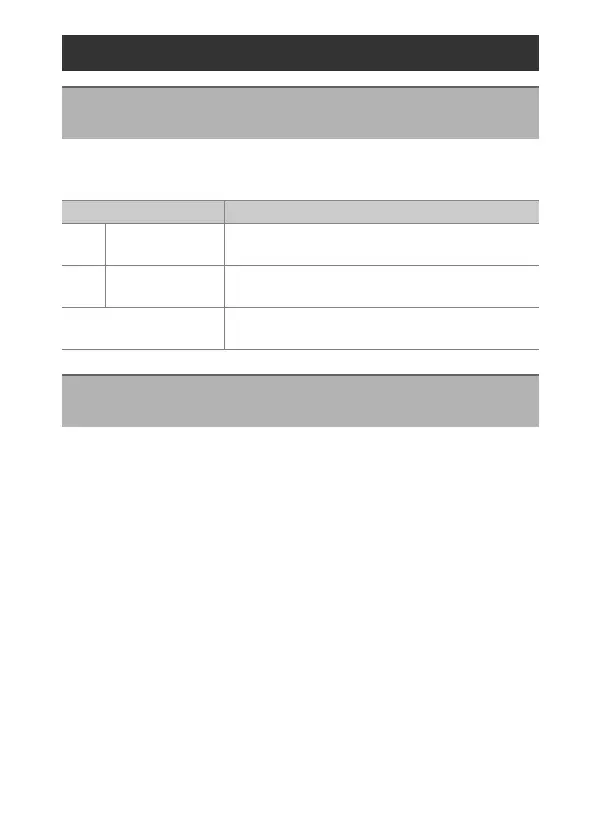
c1: Shutter-Release Button AE-L
G
button
U
A
Custom Settings menu
Option Description
O
[On (half press)]
Pressing the shutter-release button halfway
locks exposure.
P
[On (burst
mode)]
Exposure only locks while the shutter-release
button is pressed all the way down.
[Off]
Pressing the shutter-release button does not
lock exposure.
c2: Standby Timer
G
button
U
A
Custom Settings menu



 To Next Page