709
Menu Guide >
N
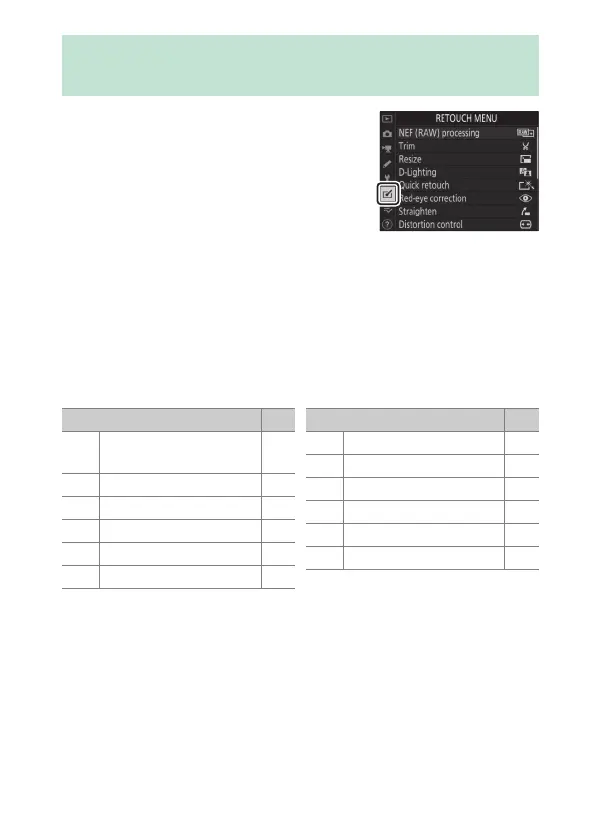
The Retouch Menu
To view the retouch menu, select the
N
tab in the camera menus.
The items in the retouch menu are used to trim or retouch
existing pictures.
•
The retouch menu is only displayed when a memory card
containing photographs is inserted in the camera.
•
Retouched copies are saved to new files, separate from the
original pictures.
•
The retouch menu contains the following items:
* Not displayed when [Retouch] is selected in the playback
i
menu.
N
The Retouch Menu: Creating
Retouched Copies
Item
0
7
[NEF (RAW)
processing]
713
k
[Trim]719
8
[Resize]720
i
[D-Lighting]726
%
[Quick retouch]727
j
[Red-eye correction]728
Z
[Straighten] 729
a
[Distortion control] 730
e
[Perspective control] 732
l
[Monochrome] 733
o
[Image overlay]
*
734
9
[Trim movie] 743
Item
0



 To Next Page