72
Camera Controls
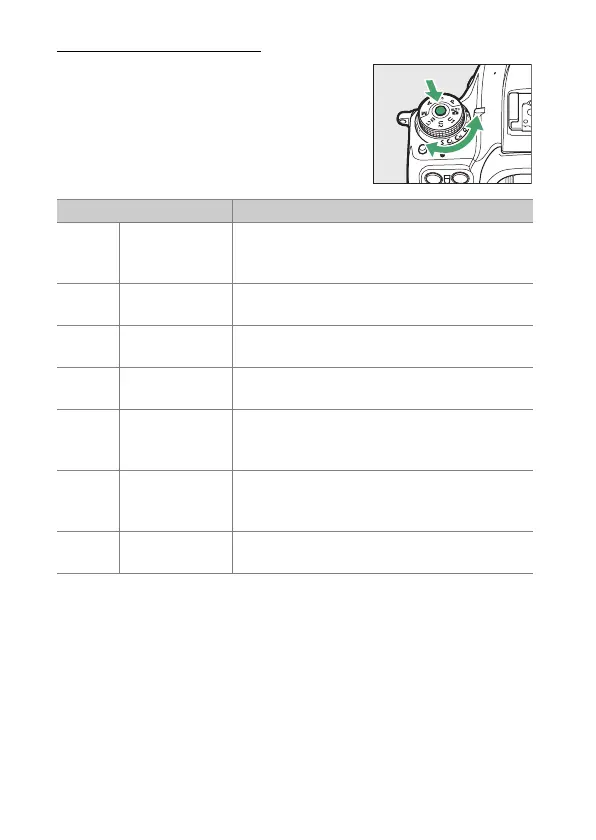
Using the Mode Dial
Press the mode dial lock release and
rotate the mode dial to choose from the
following modes:
Mode Description
b
Auto
A simple, “point-and-shoot” mode that
leaves the camera in charge of settings
(
0
36, 45).
P
Programmed
auto
The camera sets shutter speed and aperture
for optimal exposure.
S
Shutter-
priority auto
You choose the shutter speed; the camera
selects the aperture for best results.
A
Aperture-
priority auto
You choose the aperture; the camera selects
the shutter speed for best results.
MManual
You control both shutter speed and aperture.
Set shutter speed to “bulb” or “time” for long
time-exposures.
U1/U2
User settings
modes
Assign frequently-used settings to these
positions. The settings can be recalled simply
by rotating the mode dial.
EFCT
Special effects
mode
Take pictures with added special effects.



 To Next Page