662
Menu Guide >
B
The Setup Menu
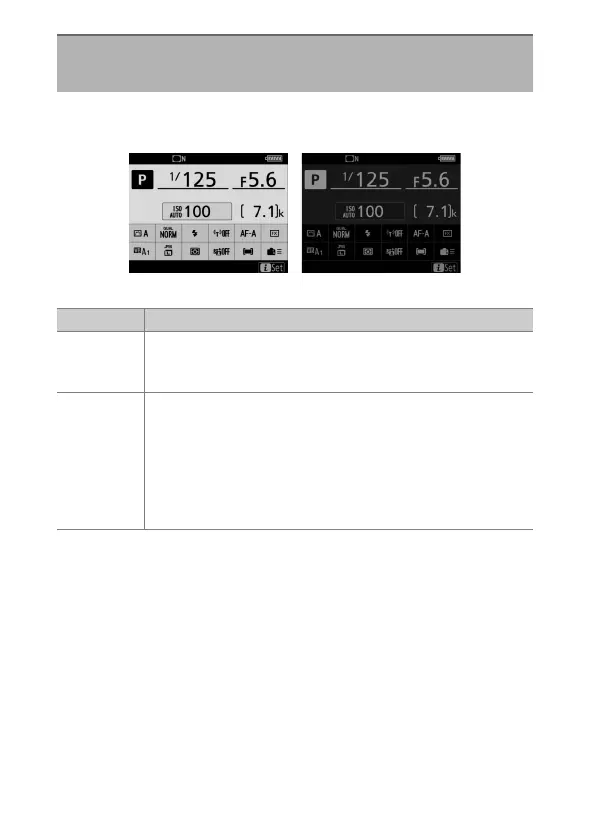
Adjust the appearance of the information display according to
lighting conditions.
Information Display
G
button
U
B
setup menu
Dark on light Light on dark
Option Description
[Auto]
The camera adjusts the color of the lettering in the
information display to make it easier to read. Black is used
in bright locations, a dim white in dark locations.
[Manual]
Manually choose the color of the lettering.
w
[Dark on light]: To make the display easier to read in
bright locations, the monitor lights and the lettering is
displayed in black.
x
[Light on dark]: To make the display easier to read in
dark locations, the monitor dims and the lettering is
displayed in white.



 To Next Page