675
Menu Guide >
B
The Setup Menu
Acquire reference data for the Image Dust Off option in
Capture NX-D. Image Dust Off processes NEF (RAW) images to
mitigate effects caused by dust adhering to the low-pass filter in
front of the camera image sensor. For more information, refer to
Capture NX-D online help.
Acquiring Image Dust Off Reference Data
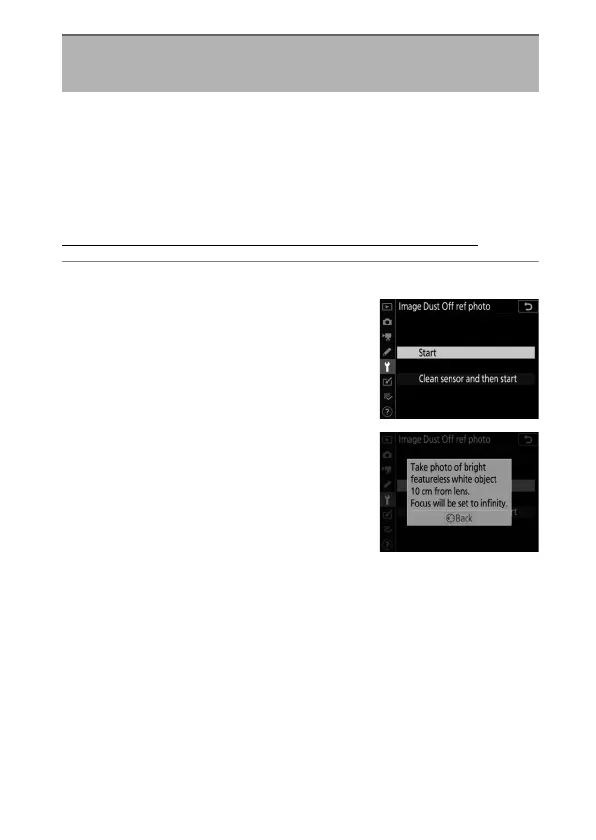
1
Choose a start option.
•
Highlight [Start] and press
J
to
immediately display the [Image
Dust Off ref photo] dialog.
•
Highlight [Clean sensor and then
start] and press
J
to clean the
image sensor before starting. The
[Image Dust Off ref photo] dialog
will be displayed when image
sensor cleaning is complete.
Image Dust Off Ref Photo
G
button
U
B
setup menu



 To Next Page