676
Menu Guide >
B
The Setup Menu
•
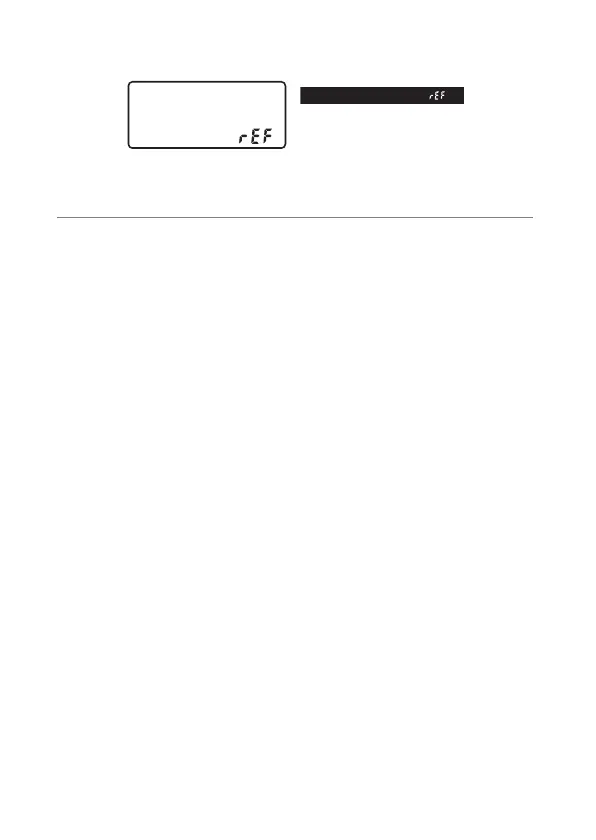
“
F
” will appear in the viewfinder and control panel
displays.
•
To exit without acquiring Image Dust Off reference data,
press
G
.
2
With the lens about ten centimeters (four inches)
from a well-lit, featureless white object, frame the
object so that it fills the display and then press the
shutter-release button halfway.
•
In autofocus mode, focus will automatically be set to
infinity.
•
In manual focus mode, set focus to infinity manually.



 To Next Page