677
Menu Guide >
B
The Setup Menu
3
Press the shutter-release button the rest of the
way down to acquire Image Dust Off reference
data.
•
The monitor turns off when the shutter-release button is
pressed.
•
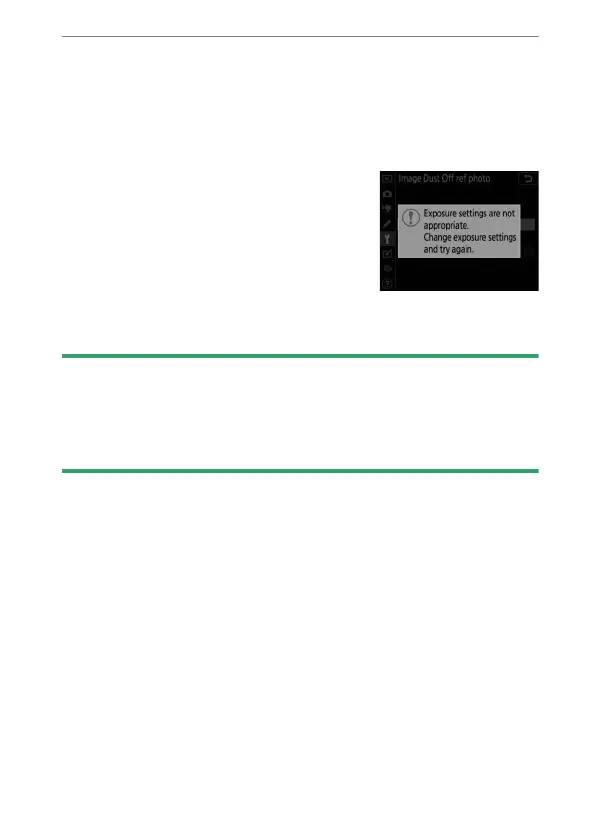
If the reference object is too bright
or too dark, the camera may be
unable to acquire Image Dust Off
reference data and a message will
be displayed and the camera will
return to the display shown in Step
1. Choose another reference object and press the shutter-
release button again.
D
Image Sensor Cleaning
Dust off reference data recorded before image sensor cleaning is
performed cannot be used with photographs taken after image sensor
cleaning is performed. Select [Clean sensor and then start] only if the
Image Dust Off reference data will not be used with existing photographs.



 To Next Page