530
Menu Guide >
D
The Playback Menu
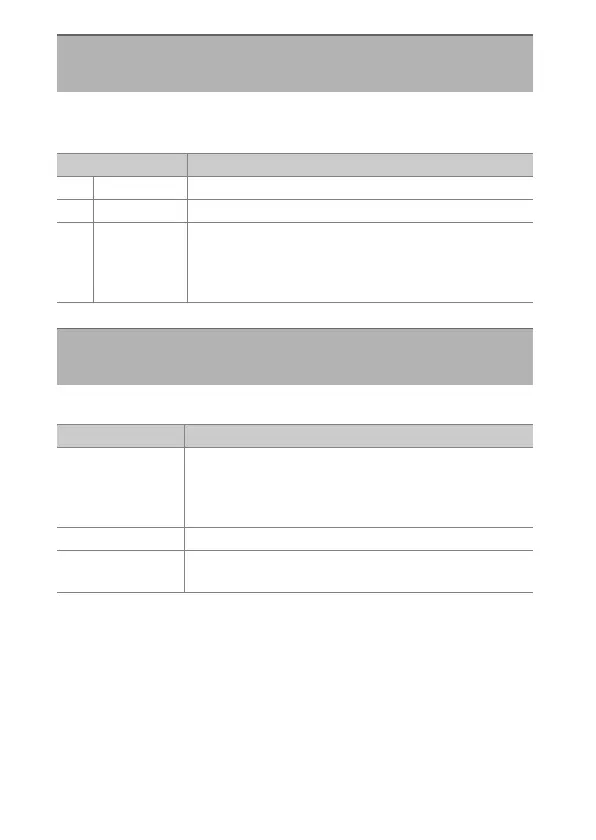
Delete multiple images. For more information, see “The
Playback Menu” (
0
385).
Choose a folder for playback.
Delete
G
button
U
D
playback menu
Option Description
Q
[Selected] Delete selected pictures.
i
[Select date] Delete all pictures taken on selected dates.
R
[All]
Delete all pictures in the folder currently selected for
[Playback folder] in the playback menu.
•
If two memory cards are inserted, you can select
the card from which pictures will be deleted.
Playback Folder
G
button
U
D
playback menu
Option Description
(Folder name)
Pictures in all folders with the selected name will be
visible during playback. Folders can be renamed
using the [Storage folder]> [Rename] option in the
photo shooting menu.
[All] Pictures in all folders will be visible during playback.
[Current]
Only pictures in the current folder will be visible
during playback.



 To Next Page