470
On-Camera Flash Photography
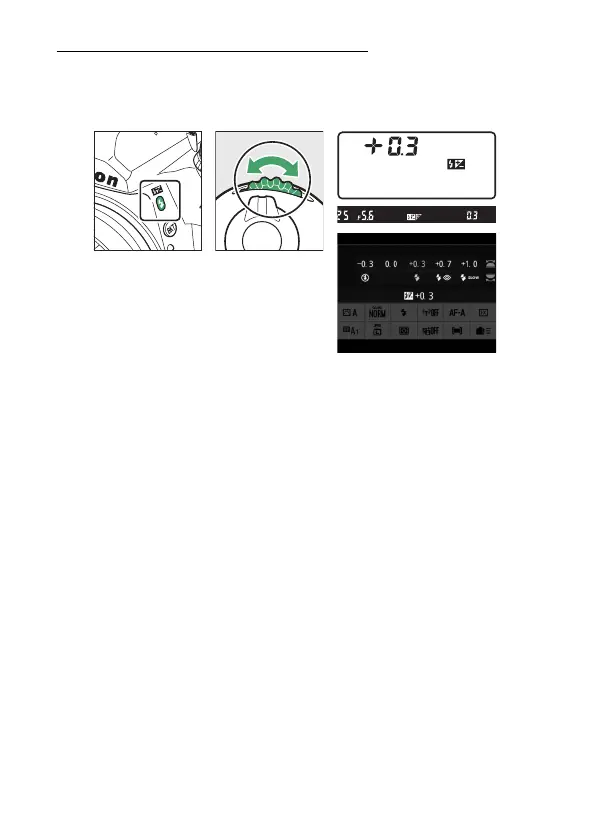
Adjusting Flash Compensation
Hold the
N
(
Y
) button and rotate the sub-command dial. The
selected option will be displayed in the monitor, control panel,
and viewfinder.
•
Flash output can set to values of from −3 to +1 EV.
•
At default settings, changes to flash output are made in
increments of
1
/
3
EV. The size of the increment can be selected
using Custom Setting b1 [EV steps for exposure cntrl].
•
In general, choose positive values for brighter lighting,
negative values to ensure that the subject is not too brightly
lit.
•
Normal flash output can be restored by setting flash
compensation to ±0.0. Flash compensation is not reset when
the camera is turned off.



 To Next Page