101
Camera Controls
Use the
N
(
Y
) button to adjust flash mode and compensation
when using optional flash units. Flash mode determines the
effect produced by the flash, flash compensation the flash level.
D
The
N
(
Y
) Button
The
N
(
Y
) button may be disabled in some shooting modes or when
certain conditions apply.
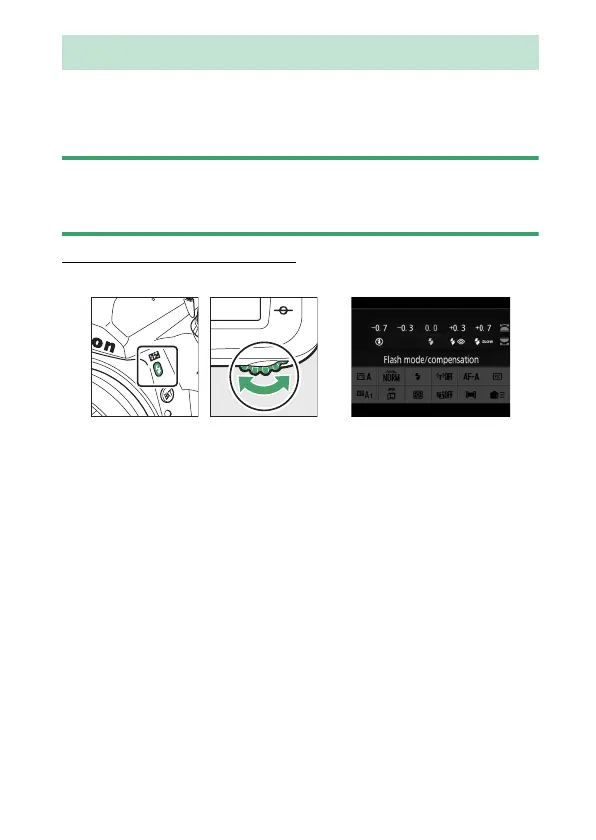
Choosing a Flash Mode
Hold the
N
(
Y
) button and rotate the main command dial.
The
N
(
Y
) Button



 To Next Page