750
Menu Guide >
O
MY MENU/
m
RECENT SETTINGS
m
Recent Settings: Accessing Recently-Used
Settings
❚❚
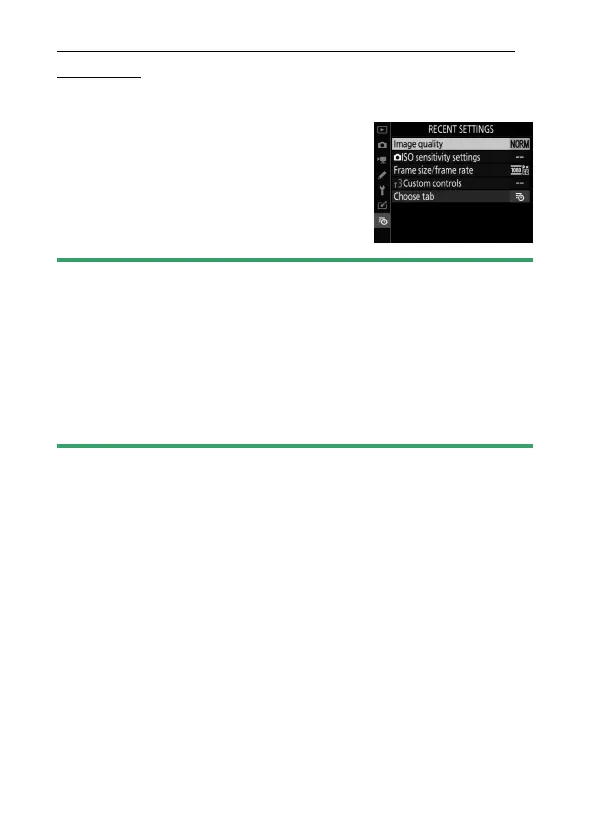
How Items Are Added to Recent Settings
Menu items are added to the top of the
recent settings menu as they are used.
The twenty most recently settings are
listed.
D
Removing Items from the Recent Settings Menu
To remove an item from the [RECENT SETTINGS] menu, highlight it and
press the
O
(
Q
) button; a confirmation dialog will be displayed. Press
O
(
Q
) again to remove the selected item.
D
Displaying My Menu
Selecting [Choose tab] in the recent settings menu displays the items
shown in Step 2 of “Displaying Recent Settings” (
0
749). Highlight [
O
MY
MENU] and press
J
to view My Menu.



 To Next Page