439
Network Connections
Connecting in Infrastructure Mode
Follow the steps below to connect to a computer on an existing
network in infrastructure mode.
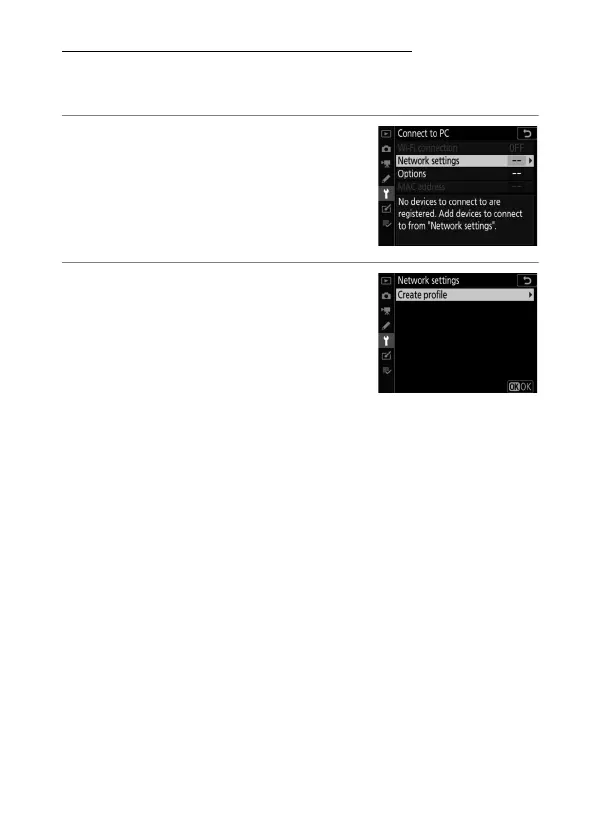
1
Display network settings.
Select [Connect to PC] in the camera
setup menu, then highlight
[Network settings] and press
2
.
2
Select [Create profile].
Highlight [Create profile] and press
2
.



 To Next Page