563
Menu Guide >
C
The Photo Shooting Menu
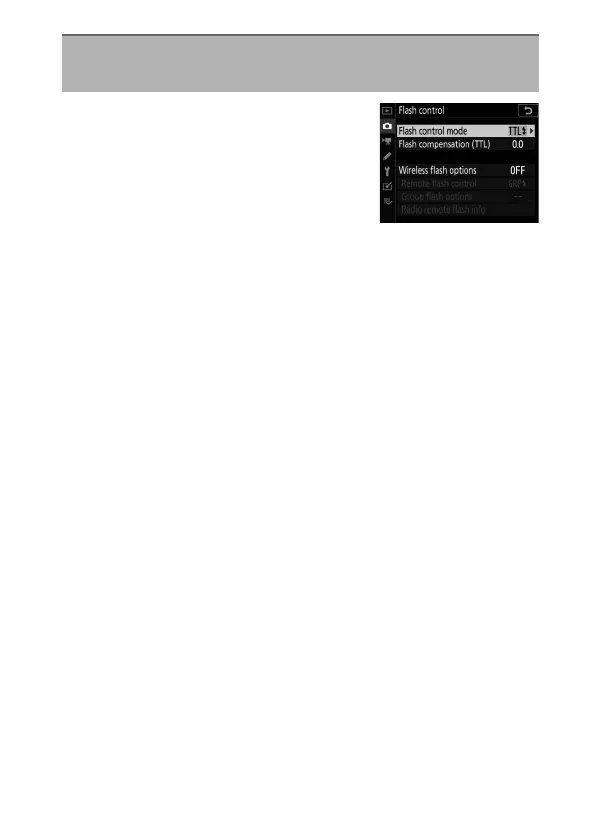
Choose a flash control mode and flash
level and adjust other settings for
wireless remote flash units or optional
flash units mounted on the camera
accessory shoe.
•
For information on adjusting settings
for optional flash units mounted on the camera accessory
shoe, see “On-Camera Flash Photography” (
0
459).
•
For information on adjusting settings for wireless remote flash
units, see “Remote Flash Photography” (
0
477).
Flash Control
G
button
U
C
photo shooting menu



 To Next Page