10
Getting to Know the Camera
D
The Viewfinder
When the battery is exhausted or no battery is inserted, the display in the
viewfinder will dim. The display will return to normal when a charged
battery is inserted.
D
Temperature Extremes
The brightness of the control panel and viewfinder displays varies with
temperature, and response times may drop when the temperature is low;
the displays will return to normal at room temperature.
D
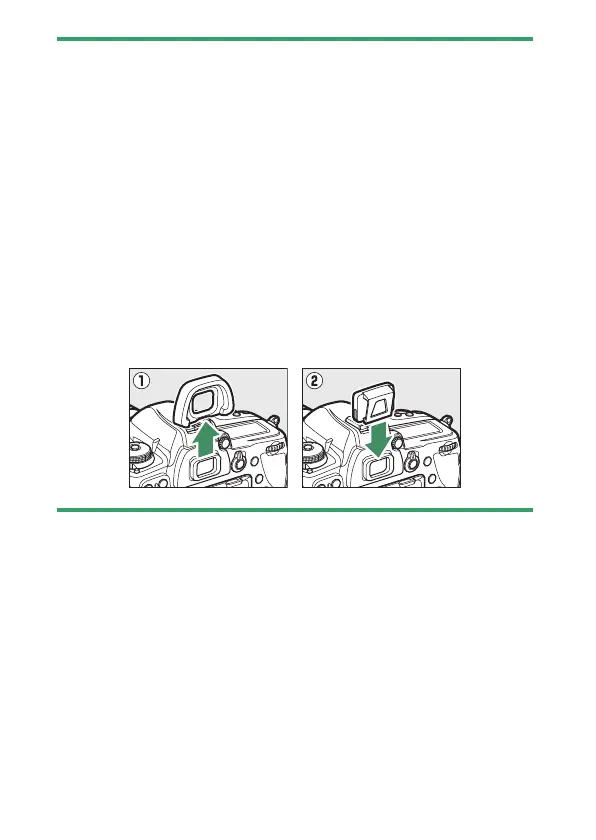
Cover the Viewfinder
•
When taking photos without your eye to the viewfinder, attach the
supplied eyepiece cap to prevent light entering via the viewfinder
appearing in photographs or interfering with exposure.
•
Remove the rubber eyecup (
q
) and insert the supplied eyepiece cap as
shown (
w
). Hold the camera firmly when removing the rubber eyepiece
cup.



 To Next Page