98
Camera Controls
A
Zoom Preview (Live View Photography)
Press the
X
(
T
) button to zoom in on the view through the lens in the
monitor.
•
The zoom ratio increases each time the
X
(
T
) button is pressed; to
zoom out, press
W
(
Y
).
•
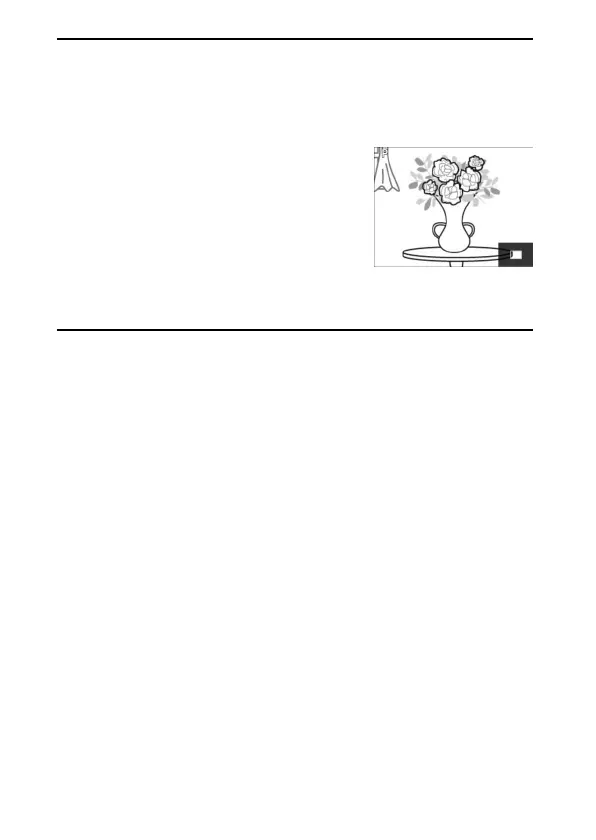
While the view through the lens is zoomed in,
a navigation window will appear in a gray
frame at the bottom right corner of the
display.
•
Use the multi selector to scroll to areas of the
frame not visible in the monitor.
•
During live view photography, image quality
and size can be adjusted using the [Image quality] and [Image size]
items in the photo shooting menu.



 To Next Page