344
Other Shooting Options
3
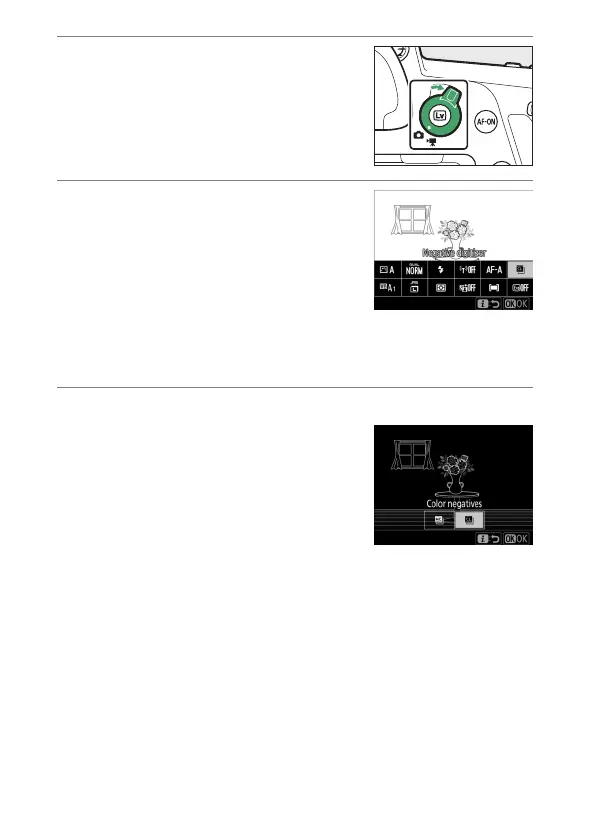
Rotate the live view selector to
C
and press
a
.
The view through the lens will be
displayed in the monitor.
4
In live view, press the
i
button
and select [Negative digitizer].
•
Highlight [Negative digitizer]
using the multi selector and press
J
; the colors in the display will be
reversed.
•
The flash mode is automatically set to
s
. To use a flash,
choose a flash mode other than
s
.
5
Choose the film type.
Press
4
or
2
to highlight [Color
negatives] or [Monochrome
negatives] and then press
J
.



 To Next Page