359
Playback
❚❚
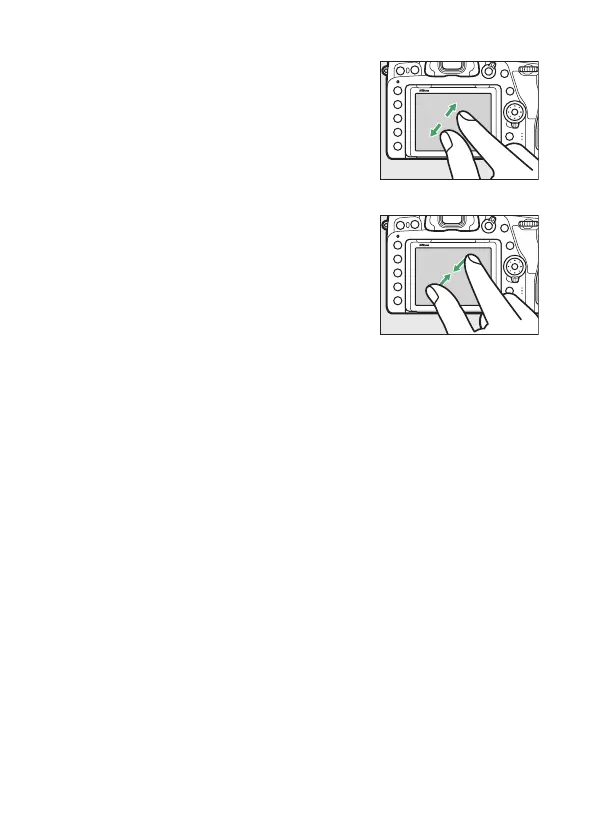
Zoom (Photos Only)
Use stretch and pinch gestures to zoom
in and out and slide to scroll (
0
376).
You can also give the display two quick
taps to zoom in from full-frame playback
or cancel zoom.
❚❚
Viewing Thumbnails
To “zoom out” to a thumbnail view
(
0
354), use a pinch gesture in full-frame
playback.
•
Use pinch and stretch to choose the
number of images displayed from 4, 9,
and 72 frames.
•
Using a pinch gesture when 72 frames are displayed takes you
to calendar playback. To return to 72-frame playback, use a
stretch gesture.



 To Next Page