360
Playback
❚❚
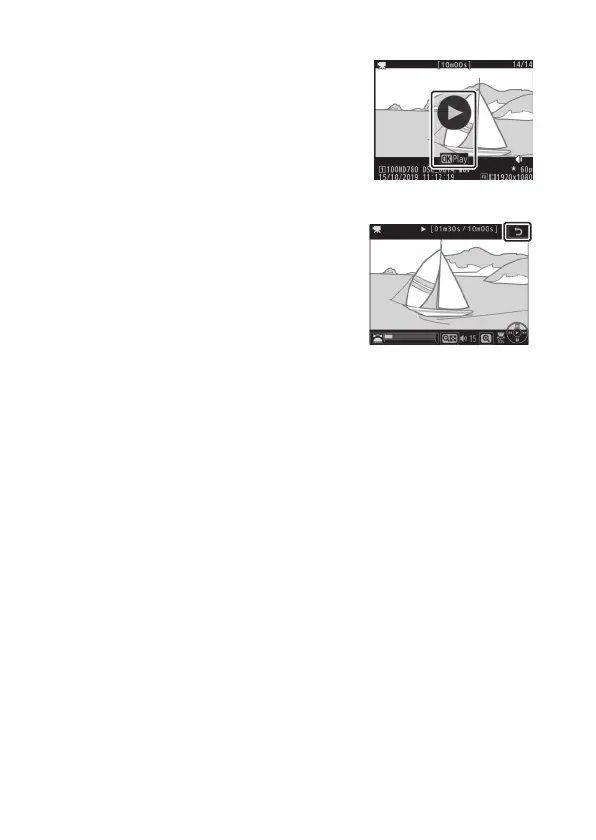
View Movies
Tap the on-screen guide to start movie
playback (movies are indicated by a
1
icon). Tap the display to pause or
resume, or tap
Z
to exit to full-frame
playback (note that some of the icons in
the movie playback display do not
respond to touch-screen operations).



 To Next Page