64
Camera Controls
D
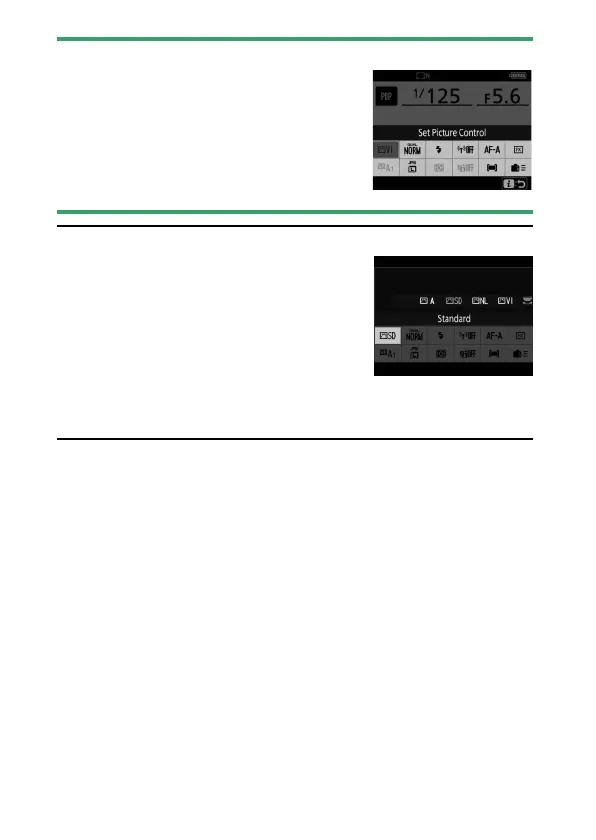
Grayed-Out Items
Some items and menu options may be
unavailable depending on the mode and
camera status. Unavailable items are displayed
in gray and cannot be selected.
A
The Command Dials
•
The main command dial can be used to
choose the setting for the item currently
highlighted in the
i
menu. Options for the
selected setting, if any, can be selected by
rotating the sub-command dial.
•
Some items can be adjusted by rotating
either dial.
•
Press
J
to save changes. You can also save changes by pressing the
shutter-release button halfway or highlighting another item.



 To Next Page