116
Shooting Settings
3
Select a position.
Highlight [Save to U1] or [Save to U2] and press
2
.
4
Save user settings.
Highlight [Save settings] using
1
and
3
and press
J
to
assign current settings to the selected user settings mode.
5
Take pictures using
saved settings.
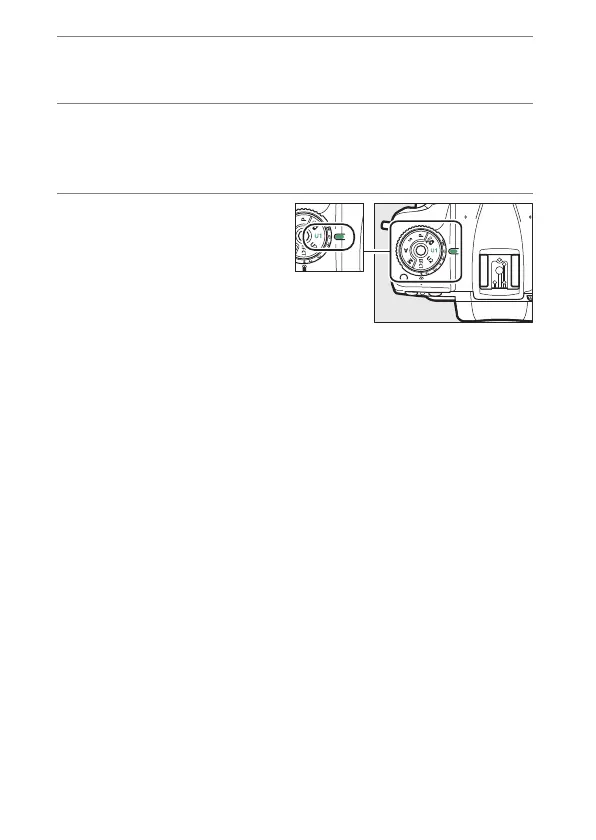
Rotate the mode dial to U1
or U2 to recall the settings
last saved to the selected
position.



 To Next Page