125
Shooting Settings
3
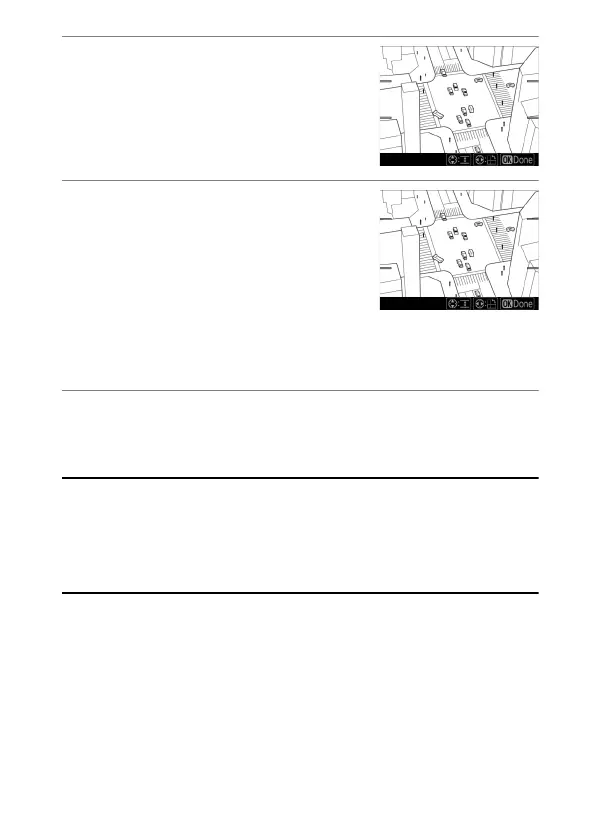
Display options.
Press
J
to display miniature effect
options.
4
Choose the orientation and
size of the area that will be in
focus.
•
Press
4
or
2
to choose the
orientation of the area that will be
in focus.
•
Press
1
or
3
to choose the width of the area that will be in
focus.
5
Press
J
.
Press
J
to save changes; the selected effect will be applied
during shooting.
A
Movies
Miniature effect movies play back at high speed. For example,
approximately 15 minutes of footage shot with 1920 × 1080/30p selected
for [Frame size/frame rate] in the movie shooting menu will play back in
about a minute.



 To Next Page