133
Shooting Settings
❚❚
[Auto DX Crop]
Choose whether the camera automatically selects the [DX
(24×16)] (DX format) image area when a DX lens is attached.
❚❚
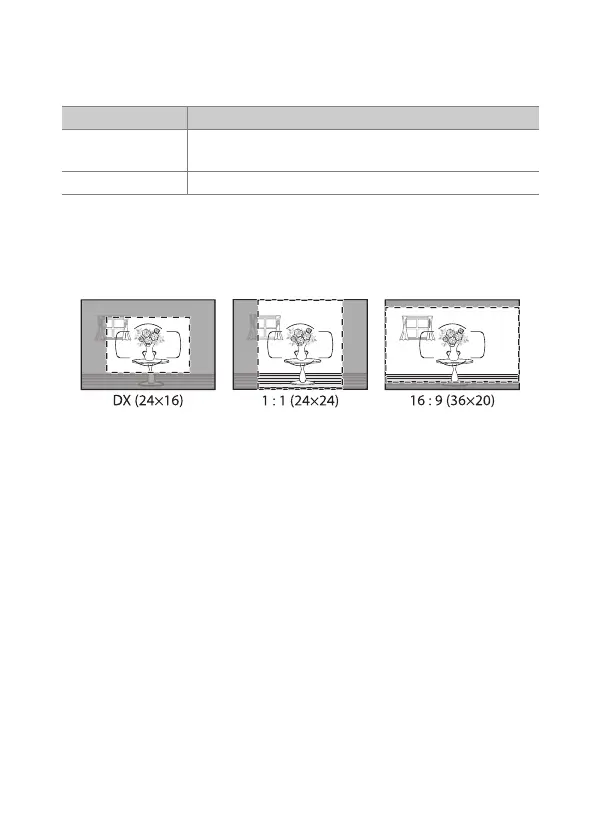
The Viewfinder Mask Display
If [On] is selected, the area outside crop ([FX (36×24)] excepted)
will be shown in gray in the viewfinder.
Option Description
[On]
The camera automatically selects the [DX (24×16)]
(DX format) image area when a DX lens is attached.
[Off] Automatic image-area selection disabled.



 To Next Page