144
Shooting Settings
❚❚
Choosing an Autofocus Mode
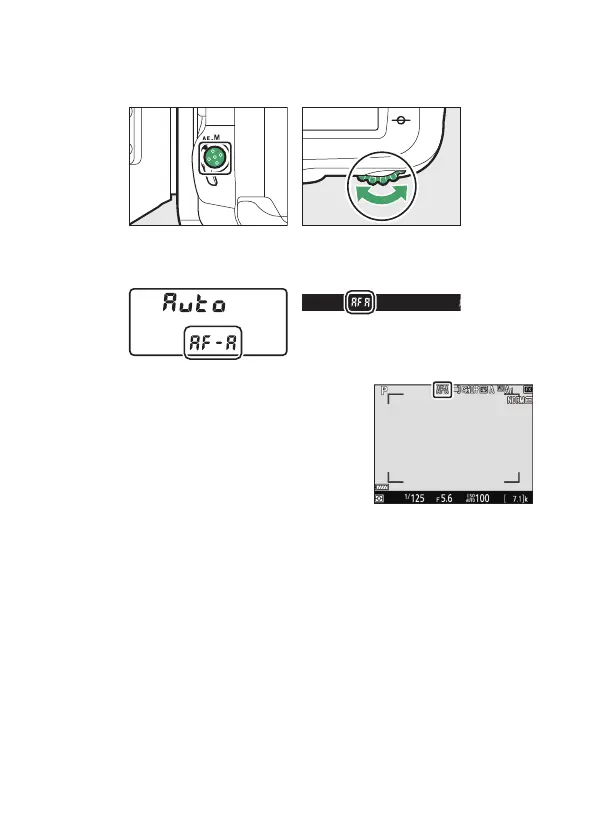
To choose the autofocus mode, hold the AF-mode button and
rotate the main command dial.
•
During viewfinder photography, the selected AF mode is
displayed in the control panel and viewfinder.
•
During live view photography and
filming, the selected AF mode is
displayed in the monitor.



 To Next Page