160
Shooting Settings
•
The center focus point can be selected by pressing
J
.
•
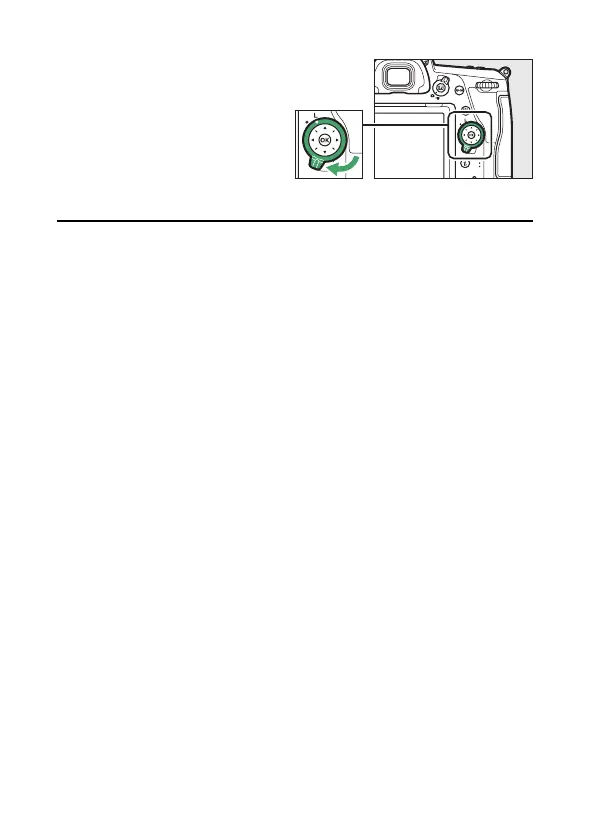
The focus selector lock
can be rotated to the
locked (L) position
following selection to
prevent the selected
focus point from
changing when the multi selector is pressed.
A
Focus Lock
If your subject will not be in the selected focus point in the final
composition, or if the camera is unable to focus on the selected subject,
press the
A
button to lock focus at the desired distance before
recomposing the shot (
0
83).



 To Next Page