171
Shooting Settings
1
Ready the camera.
Mount the camera on a tripod or place it on a stable, level
surface.
2
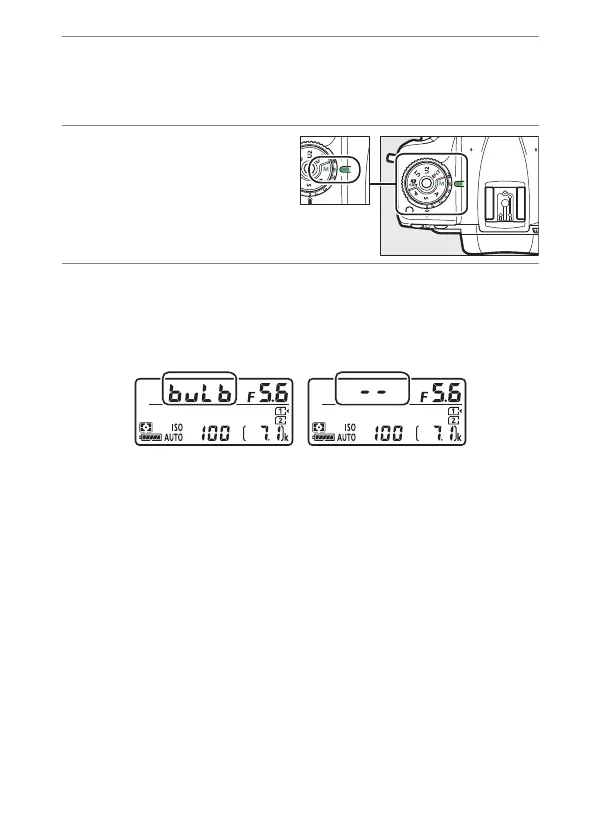
Rotate the mode dial
to M.
Keeping the mode dial
lock release pressed,
rotate the mode dial to M.
3
Choose a shutter speed.
•
While the exposure meters are on, rotate the main
command dial to choose a shutter speed of Bulb (
A
) or
Time (
%
).
•
The exposure indicators do not appear when Bulb (
A
)
or Time (
%
) is selected.



 To Next Page