184
Shooting Settings
3
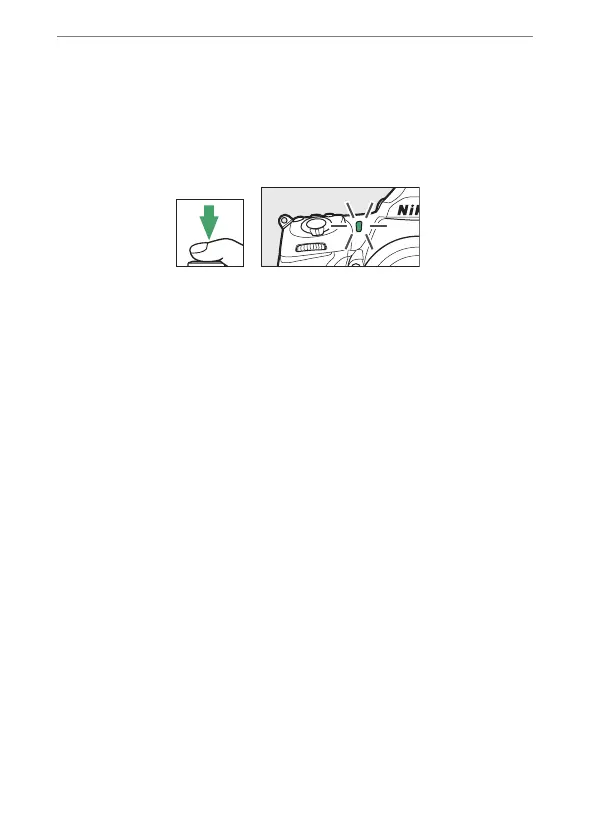
Start the timer.
•
Press the shutter-release button all the way down to start
the timer; the shutter will be released after about 10
seconds, during which the self-timer lamp will at first flash
for approximately 8 seconds and then light for roughly
2seconds.
•
To turn the self-timer off before a photograph is taken, turn
the release mode dial to another setting.
•
The timer duration, the number shots taken, and the
interval between shots can be selected using Custom
Setting c3 [Self-timer].



 To Next Page