188
Shooting Settings
❚❚
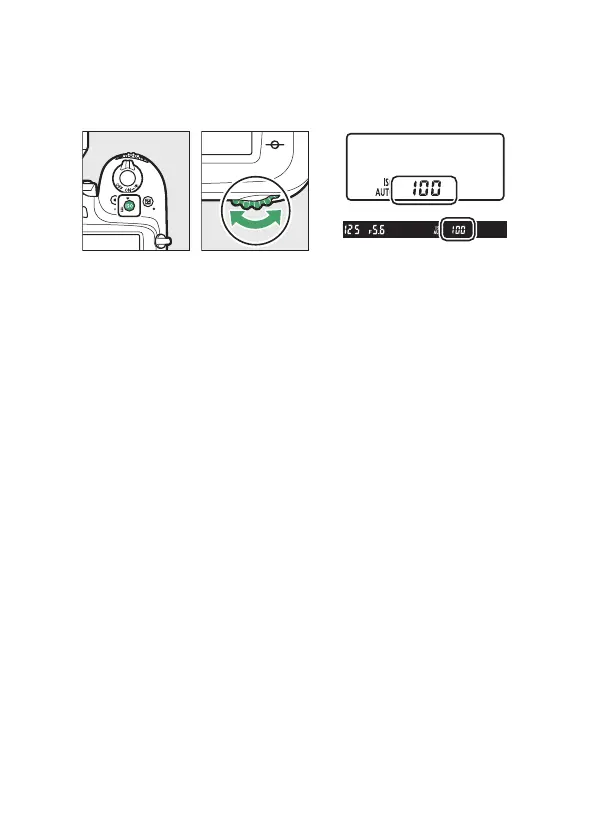
Adjusting ISO Sensitivity
Hold the
S
(
Q
) button and rotate the main command dial.
•
The selected option is displayed in the control panel and
viewfinder.
•
b
and all EFCT modes other than
j
also offer an ISO
sensitivity of
X
([Auto]). When
X
is selected, the
camera adjusts ISO sensitivity automatically.
•
By default, changes are made in increments of
1
/
3
EV. The size
of the increments can be changed using Custom Setting b1
[EV steps for exposure cntrl].



 To Next Page