193
Shooting Settings
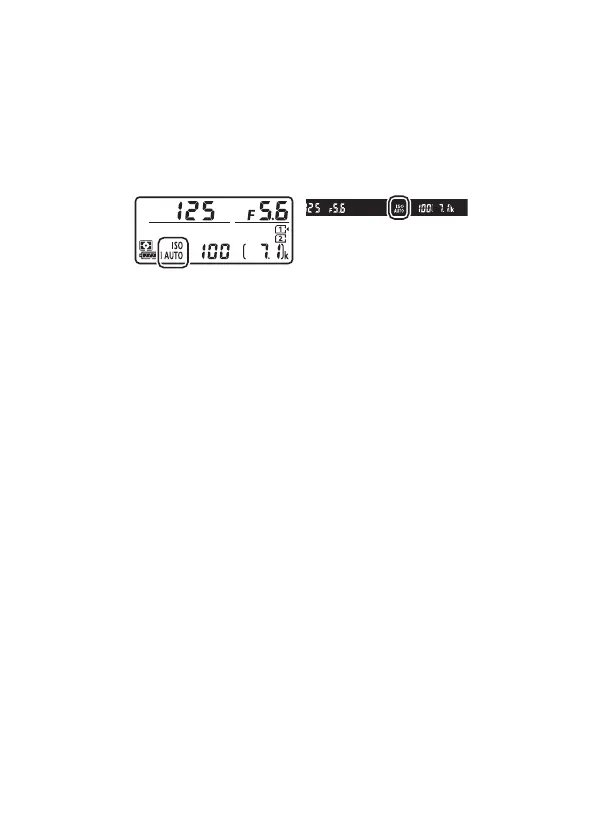
When [On] is selected for [Auto ISO sensitivity control], ISO
AUTO indicators will appear in the control panel and
viewfinder. When these indicators are lit (not flashing), pictures
will be taken at the sensitivity selected for [ISO sensitivity].
When sensitivity is altered from the value selected by the user,
the ISO AUTO indicators will flash and the altered value will be
shown in the displays.



 To Next Page