202
Shooting Settings
3
Press
J
.
Press
J
to save settings and return to the photo shooting
menu.
A
Adjusting White Balance in the
i
Menu
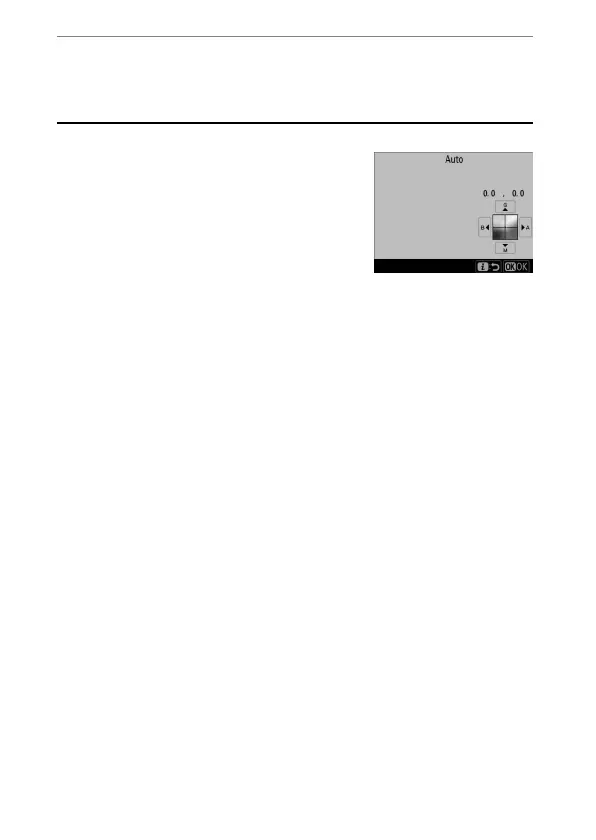
To view white balance options, highlight
[White balance] in the
i
menu and press
J
. If
an option other than [Choose color
temperature] is selected, white balance can be
fine-tuned by selecting an option and pressing
3
until fine-tuning options are displayed. The
results of fine-tuning can be previewed in the
display.
A
White Balance Fine-Tuning
The colors on the fine-tuning axes are relative, not absolute. For example,
moving the cursor to B (blue) when a “warm” setting such as
J
([Incandescent]) is selected for white balance will make photographs
slightly “colder” but will not actually make them blue.



 To Next Page