212
Shooting Settings
3
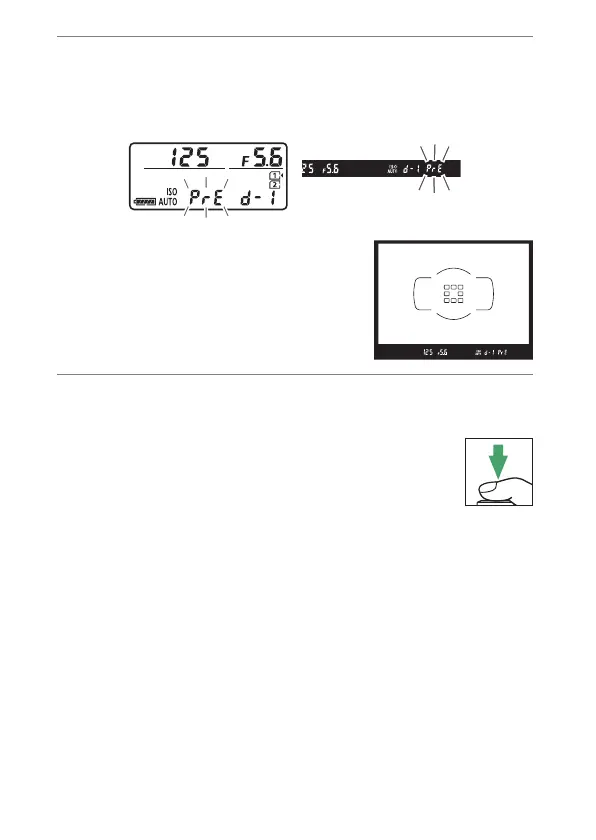
Select direct measurement mode.
•
Release the
Q
/
g
(
U
) button briefly and then press the
button until the
D
indicators in the control panel and
viewfinder start to flash.
•
In direct measurement mode, the
focus point changes to a white
balance target as shown and stays
in the center of the frame.
4
Before the
D
indicators stop flashing,
photograph the reference object.
•
Position the reference object in the white
balance target and press the shutter-release
button all the way down to measure a value for
white balance and store it in the preset selected
in Step 2.
•
No photograph will be recorded; white balance can be
measured accurately even when the camera is not in focus.



 To Next Page