219
Shooting Settings
5
Measure a value for preset
white balance either by
pressing
J
or by pressing the
shutter-release button all the
way down.
•
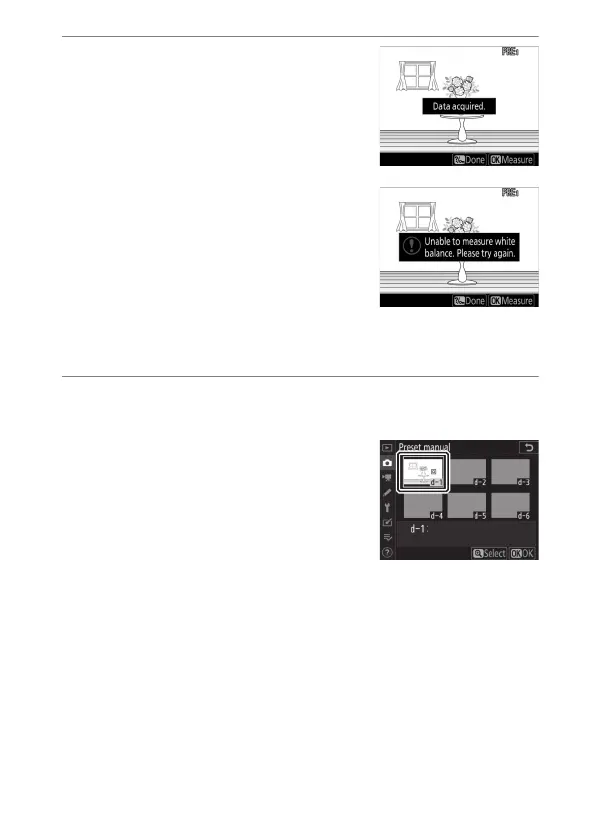
If the camera is able to measure
white balance, the new value will be
reflected in the display.
•
If the camera is unable to measure
white balance, a message will be
displayed and the camera will
return to Step 4. Measure white balance again after
repositioning the white balance target (
r
) or the like.
6
Press the
Q
/
g
(
U
) button to exit direct
measurement mode.
White balance presets can be viewed
by selecting [Preset manual] for
[White balance] in the photo or
movie shooting menu. The position
of the targets used to measure preset
white balance is displayed on presets
recorded during live view.



 To Next Page