229
Shooting Settings
2
Frame a photograph, focus, and shoot.
•
The camera will vary exposure and/or flash level
shot-by-shot according to the bracketing
program selected. Modifications to exposure
are added to those made with exposure compensation
(
0
175).
•
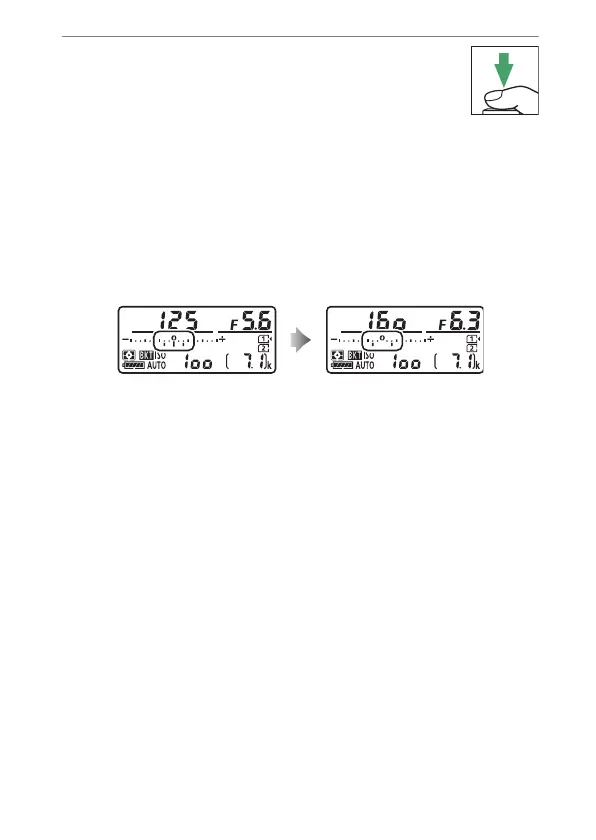
The modified values for shutter speed and aperture are
shown in the display.
•
While bracketing is in effect, a bracketing progress
indicator will be displayed in the control panel. A segment
will disappear from the indicator after each shot.
No. shots: 3;
increment: 0.7
Display after first shot



 To Next Page