261
Shooting Settings
A
Choosing HDR Mode and Strength via the BKT Button and
Command Dials
When [HDR (high dynamic range)] is selected for Custom Setting f3
[Custom controls] > [BKT button], [HDR mode] (Step 2) and [HDR
strength] (Step 3) can be selected using the BKT button and command
dials.
•
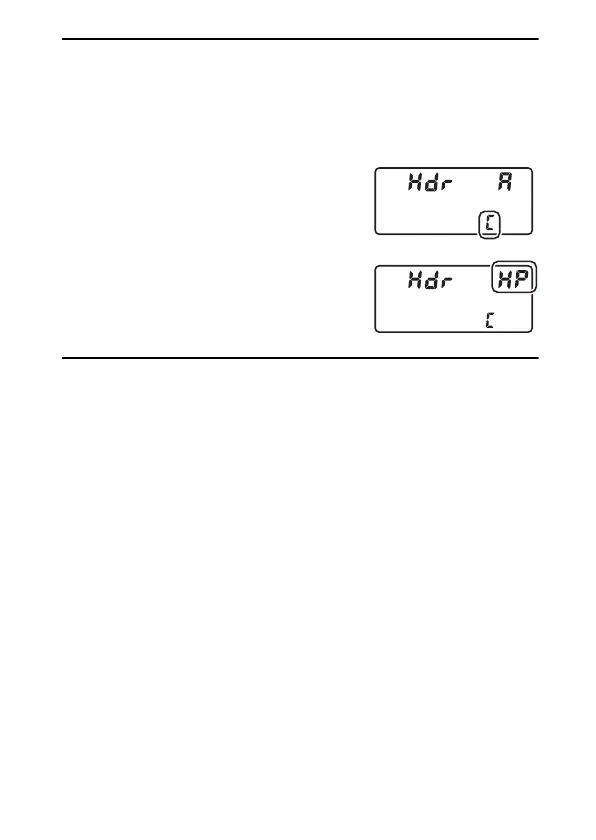
Hold the BKT button and rotate the main
command dial to choose from the following
HDR modes:
a
([Off]),
1
([On (single
photo)]), and
b
([On (series)]).
•
When
1
([On (single photo)]) or
b
([On
(series)]) is selected, you can adjust HDR
strength by holding the BKT button and
rotating the sub-command dial.



 To Next Page