295
Other Shooting Options
A
The BKT Button
If [Multiple exposure] is selected for Custom Setting f3 [Custom
controls] > [BKT button], you can select an option for [Multiple
exposure mode] by pressing the BKT button and rotating the main
command dial and a value for [Number of shots] by pressing the BKT
button and rotating the sub-command dial.
•
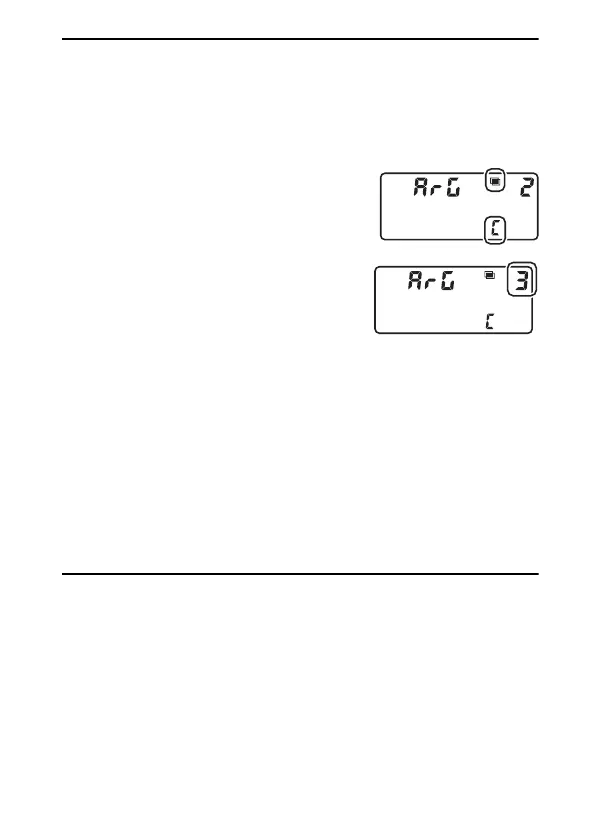
Press the BKT button and rotate the main
command dial to choose from
a
([Off]),
1
([On (single photo)]), and
b
([On (series)]).
•
Press the BKT button and rotate the sub-
command dial to choose the number of
shots.
A
Multiple Exposure: Restrictions
Multiple exposure cannot be combined with some camera features,
including:
•
Modes other than P, S, A, and M
•
Movie recording
•
Bracketing
•
HDR (high dynamic range)
•
Interval-timer photography
•
Time-lapse movies
•
Focus shift
•
The negative digitizer



 To Next Page