308
Other Shooting Options
3
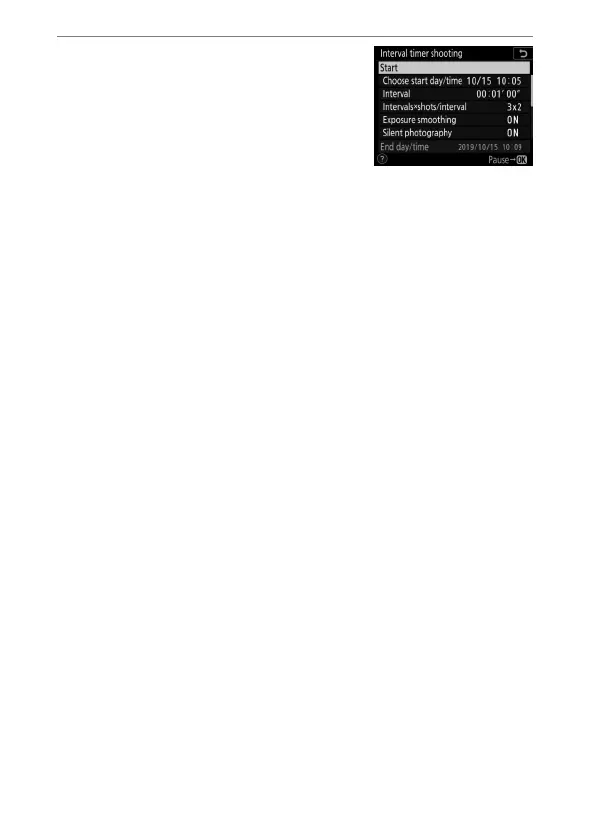
Start shooting.
Highlight [Start] and press
J
. The
first series of shots will be taken at
the specified starting time, or after
about 3 s if [Now] was selected for
[Choose start day/time] in Step 2.
Shooting will continue at the selected interval until all shots
have been taken.



 To Next Page