323
Other Shooting Options
•
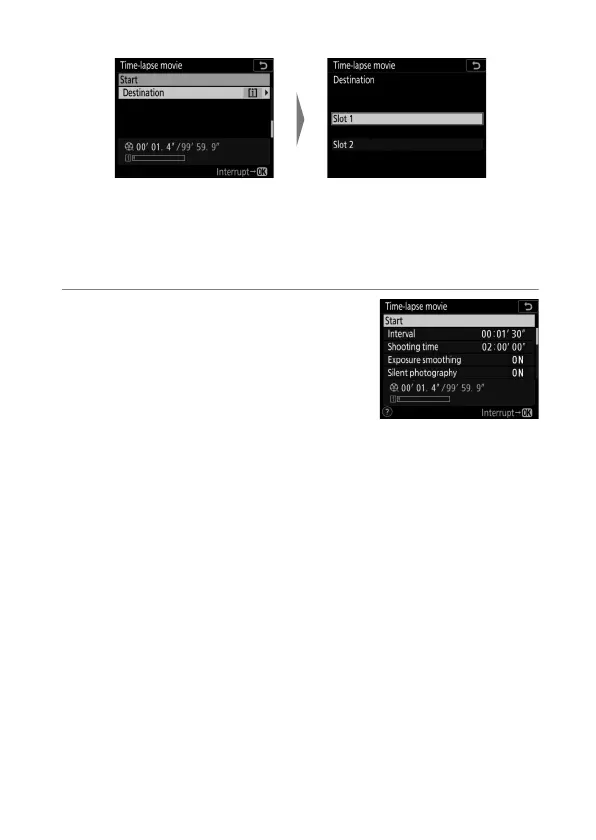
Choose a destination:
3
Highlight [Start] and press
J
.
•
Shooting starts after about 3 s.
•
The camera takes photographs at
the [Interval] and for the [Shooting
time] selected in Step 2.
Highlight [Destination] and
press
2
.
Highlight the slot that will be
used to record time-lapse
movies when two memory
cards are inserted and press
J
.



 To Next Page