362
Playback
❚❚
Photos
1 Displayed only during playback zoom.
2 Available only when a retouched copy (indicated by a
N
icon) or the
source picture for a retouched copy is selected.
3 Available only when highlights or RGB histograms are displayed.
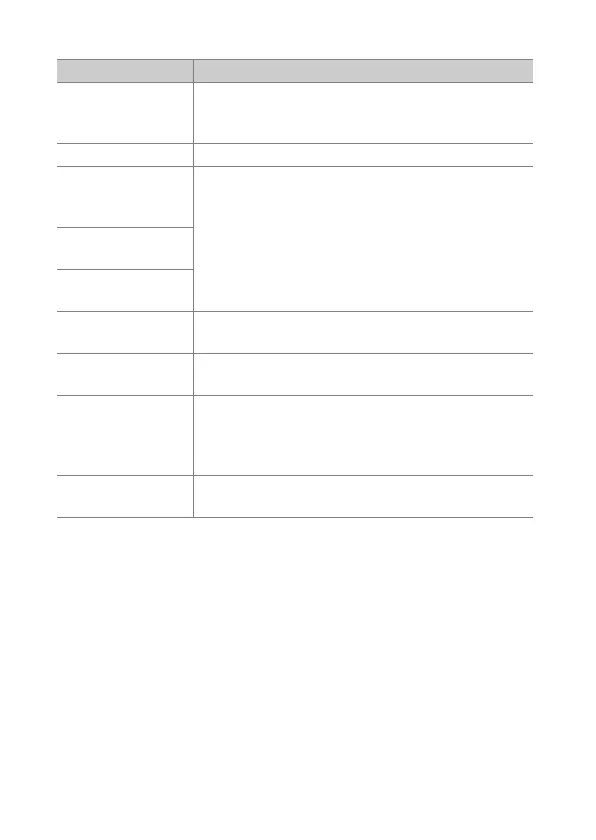
Option Description
[Quick crop]
1
Save a copy of the current image cropped to the
area visible in the display. This option is not
available when histograms are displayed (
0
369).
[Rating] Rate the current picture (
0
380).
[Select to send/
deselect (smart
device)]
Select the current picture for upload (
0
381). The
option displayed varies with the type of device
connected.
[Select to send/
deselect (PC)]
[Select to send/
deselect (WT)]
[Retouch]
Use the options in the retouch menu (
0
709) to
create a retouched copy of the current photograph.
[Side-by-side
comparison]
2
Compare retouched copies to the original
photographs.
[Choose slot and
folder]
Choose a folder for playback. Highlight a slot and
press
2
to list the folders on the selected card,
then highlight a folder and press
J
to view the
pictures in the highlighted folder.
[Select R, G, B]
3
Press
4
or
2
to choose the color channel for the
highlight display.



 To Next Page