382
Playback
1
Select a picture.
Display a picture in full-frame playback or playback zoom or
select it in the thumbnail list.
2
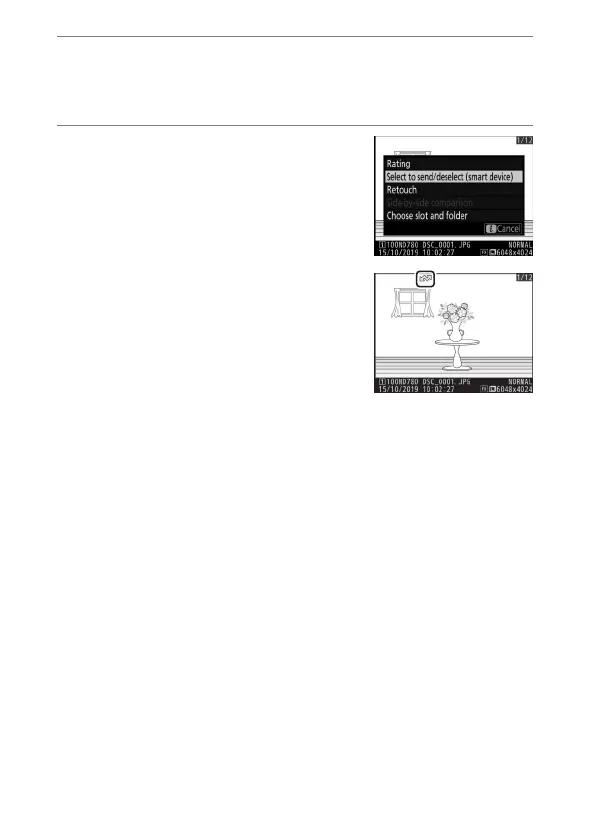
Choose [Select to send/
deselect].
Press the
i
button to display the
i
menu, then highlight [Select to
send/deselect] and press
J
. Pictures
selected for upload are indicated by a
W
icon; to deselect, repeat Steps 1
and 2.



 To Next Page