392
Connecting to Computers and TVs
3
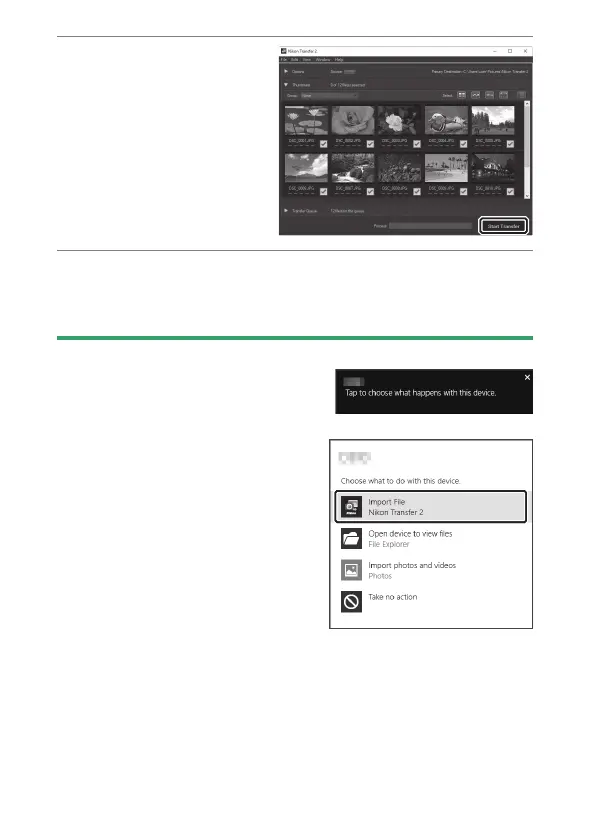
Click [Start
Transfer].
Pictures on the memory
card will be copied to
the computer.
4
Turn the camera off.
Turn the camera off and disconnect the USB cable when
transfer is complete.
D
Windows 10 and Windows 8.1
Windows 10 and Windows 8.1 may
display an AutoPlay prompt when the
camera is connected.
•
Click the dialog and then click [Nikon
Transfer 2] to select Nikon Transfer 2.



 To Next Page